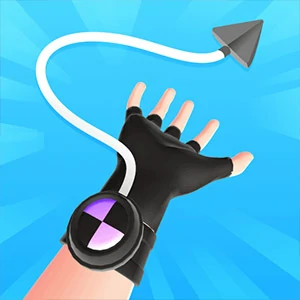
AIM THE ROPE
Read the target before you tap
Ropeman 3D opens in a first-person view with a rope weapon and an enemy ahead. Select Click to start; the opening tutorial says Tap to aim at the enemy. This version is built around targeting an opponent, rather than swinging your own character between buildings. A failed attempt reaches a Level Fail screen with a Restart button.
Start with the tutorial target
Select Click to start, then locate the enemy named by the aim instruction. In the opening scene the opponent stands above the street on a raised platform. Aim at the opponent rather than assuming that a nearby building is a grapple point for travelling.
Make one deliberate input
Tap or click on the target to send the rope toward it. Watch the resulting rope and target state before making another input. Repeated taps without observing the first throw make it harder to tell whether your aim, timing, or target choice needs changing.
Judge the result, not just the rope animation
A visible rope reaching forward is not a level-clear signal. Keep watching until the scene resolves. If the game shows Level Fail, use Restart and adjust the next aim instead of treating the first animation as proof that the target was cleared.
Retry without optional rewards
The failed opening attempt provides a Restart button. Use that normal retry path to practise the target. Video-marked options elsewhere in the game are separate optional choices; you do not need them to read the opening aim instruction.
Give the player keyboard and pointer focus
If the first tap appears to do nothing, click inside the actual game view and check whether Click to start is still visible. Start the scene before aiming. Use a single input method while learning the opening instead of alternating keyboard and pointer gestures.
Questions before your next attempt
Is this a building-swinging game?
The linked version opens with Tap to aim at the enemy and a first-person rope weapon. Target the opponent in that scene; the opening objective is not to swing your character across a building gap.
How can I try again after Level Fail?
Select Restart on the failure screen. Re-read the target and change your next aim; a rope animation by itself does not mean the level was cleared.